AI agents are becoming a practical part of business automation in 2026. Unlike a simple chatbot that only answers questions or a basic automation that follows fixed steps, an AI agent can interpret information, choose from defined actions, use connected tools, and move a workflow forward with limited human intervention.
For a small business, the goal should not be to automate everything at once. The practical approach is to start with one repetitive workflow, define what the agent is allowed to do, add human review for important decisions, and measure the result.
What Is an AI Agent for Small Business?
An AI agent is a software system that can take a goal, work with information, use connected applications, and complete multiple steps according to rules and permissions. For example, a new website enquiry could trigger an agent to read the message, identify the customer’s request, create a CRM record, prepare a reply, and notify a sales employee.
This is different from giving an AI model a single prompt. An agent sits inside a workflow and has access to specific tools or actions. The business owner should still define boundaries, approval steps, and failure handling.
AI Agent vs Traditional Automation
Traditional automation is usually predictable: when an event happens, a fixed sequence of actions runs. AI agents add a layer of interpretation and decision-making. That can be useful when the input is unstructured, such as an email, support request, form submission, or document.
| Workflow type | Best use | Example |
|---|---|---|
| Rule-based automation | Predictable tasks | Move a form submission into a CRM |
| AI-assisted workflow | Classifying or summarizing information | Summarize a customer email |
| AI agent workflow | Multi-step decisions and actions | Qualify a lead, update CRM, draft follow-up, and alert a salesperson |
10 AI Agent Workflows for Small Business
1. Lead Qualification

An agent can read incoming enquiries, extract the service needed, identify basic qualification signals, add structured information to a CRM, and prepare a suggested response. A salesperson can then review the lead before a high-value action is taken.
2. Customer Support Triage

Support agents can classify incoming tickets, identify urgent issues, summarize long conversations, suggest replies, and route tickets to the correct team. Your existing AI customer support automation workflows article covers this area in more detail.
3. Email Triage and Follow-Up
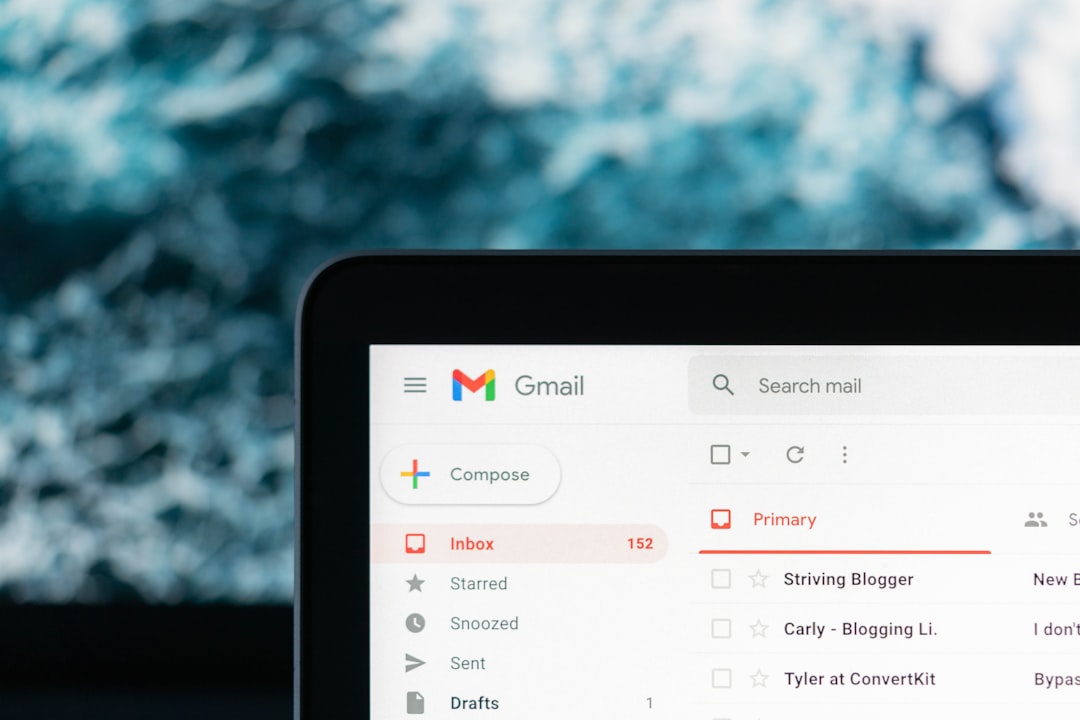
An email agent can sort messages into categories, summarize threads, identify requests that need action, draft replies, and create follow-up tasks. Sensitive or customer-facing messages should normally remain subject to human approval.
4. Appointment Scheduling
An agent can interpret a scheduling request, check permitted calendar availability, propose suitable times, and create a booking after the required confirmation. This can reduce back-and-forth for service businesses.
5. CRM Data Updates
When a customer sends an email or completes a form, an agent can extract names, company details, requirements, and next steps and map them into CRM fields. Validation rules should prevent the agent from overwriting important records incorrectly.
6. Document Intake
AI can classify invoices, forms, proposals, or other business documents and extract selected fields. The extracted data can then move into a spreadsheet, database, accounting workflow, or approval queue.
7. Meeting Notes and Action Items
After a meeting, an AI workflow can turn approved notes or a transcript into a summary, action list, owners, and due dates. The final tasks can be sent to the team’s project management system.
8. Marketing Content Operations
An agent can help transform approved source material into content briefs, social captions, email drafts, or publishing checklists. Human review remains important for brand voice, factual accuracy, claims, and final publishing.
9. Inventory and Operations Alerts
An AI workflow can inspect inventory data and flag unusual movements, low-stock conditions, or records that need review. It should recommend or route actions rather than silently making expensive purchasing decisions.
10. Daily Business Reporting
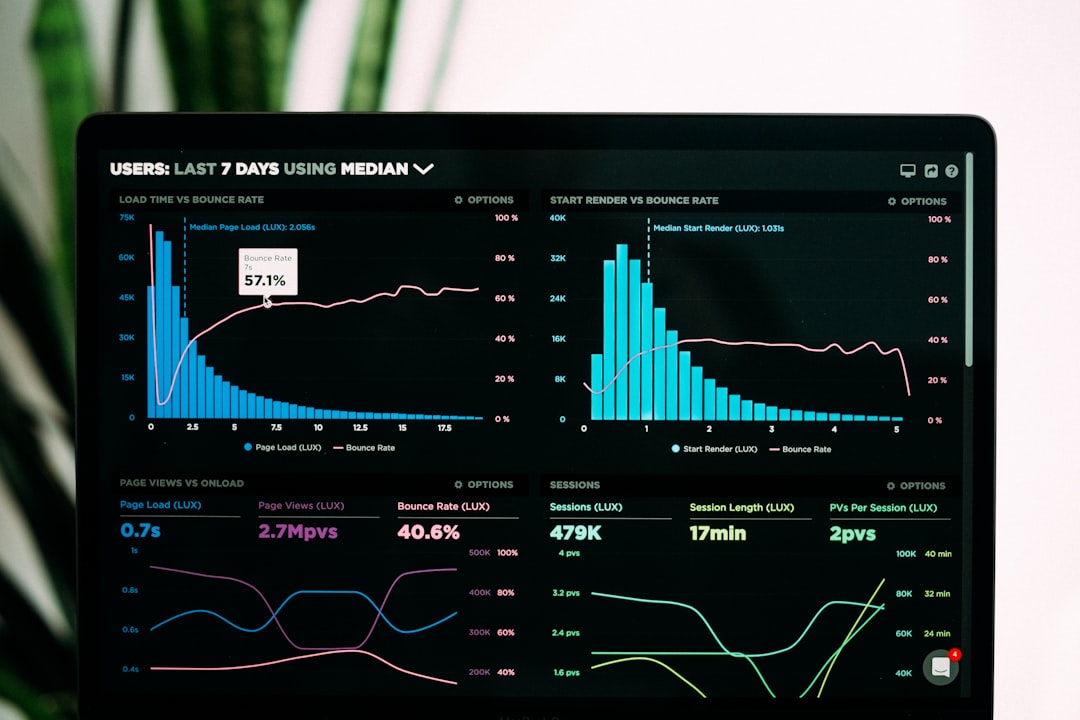
A reporting agent can collect approved data from connected systems, summarize changes, identify exceptions, and prepare a daily report. Your AI workflow automation guide explains how these workflows can be structured from trigger to output.
How to Build an AI Agent Workflow
- Choose one workflow: Start with a frequent, repetitive task that has a clear input and output.
- Define the goal: Write down exactly what successful completion means.
- Map the systems: Identify the email, CRM, calendar, help desk, database, or other tools involved.
- Set permissions: Give the agent access only to the actions it actually needs.
- Add decision rules: Define when the agent can act and when it must ask a human.
- Test edge cases: Include incomplete forms, unusual requests, duplicate records, and failed integrations.
- Measure the workflow: Track response time, completion rate, errors, manual hours, and business outcomes.
- Expand gradually: Once one workflow is reliable, connect the next related process.
Tools You Can Connect
Common automation platforms can connect AI steps with business applications. Make provides visual workflow automation, Zapier connects many business applications, and n8n provides a workflow automation platform that can be useful when teams need more control and customization.
Before choosing a platform, compare the integrations you actually need, data handling requirements, workflow complexity, maintenance effort, and total cost. For a broader foundation, see our AI automation practical guide and AI automation workflows for small business.
Safety and Human Review
AI agents should not automatically receive unlimited access to business systems. Start with narrow permissions and reversible actions. Keep human approval for payments, contracts, account changes, sensitive customer data, legal commitments, hiring decisions, and other high-impact actions unless the business has deliberately designed and tested a suitable control system.
Current discussion around AI agents also highlights the need for access controls and approval gates as agents become capable of taking actions across connected services. citeturn0news23turn0news28
FAQ
What is an AI agent in simple terms?
An AI agent is software that can interpret a task, use connected tools, and complete multiple workflow steps according to defined instructions and permissions.
Is an AI agent the same as a chatbot?
No. A chatbot mainly interacts through conversation. An AI agent can use tools and take actions inside a workflow, although the exact capabilities depend on the system and permissions.
What should a small business automate first?
Start with a frequent, measurable, low-risk workflow such as lead intake, support triage, email classification, reporting, or appointment coordination.
Do AI agents need human approval?
Not for every low-risk action, but human review is useful for sensitive, expensive, irreversible, or customer-facing decisions.
Related AI Automation Guides
For more practical automation ideas, read our AI lead qualification guide, AI customer support automation guide, and AI workflow automation guide.
Final Takeaway
AI agents are most useful when they solve a specific workflow rather than trying to become an all-purpose digital employee. A small business can start with one narrow process, connect only the required tools, add clear approval rules, and expand after the workflow proves reliable.