AI automation for customer support can help businesses handle repetitive questions, organize incoming requests, summarize conversations, and route issues to the right person. The most useful systems do not simply replace support agents. They combine AI with clear business rules, existing customer-service tools, and human review for cases that need judgment.
This guide covers 10 practical customer-support workflows, how to build them, which tasks are suitable for AI, and where human oversight should remain part of the process.

What Is AI Automation for Customer Support?
AI automation for customer support means using AI inside repeatable support processes. An automation can classify a ticket, summarize a conversation, extract important details, suggest a response, update a CRM, or route a request to a specialist.
10 Customer Support AI Automation Workflows
1. Ticket Classification

New support requests can be automatically classified into categories such as billing, technical support, sales, returns, or general questions. The category can then determine which queue or team receives the ticket.
2. Ticket Summaries

AI can summarize a long customer conversation into the problem, previous actions, current status, and requested outcome. This gives the next support agent useful context without requiring them to read the entire thread first.
3. Suggested Replies
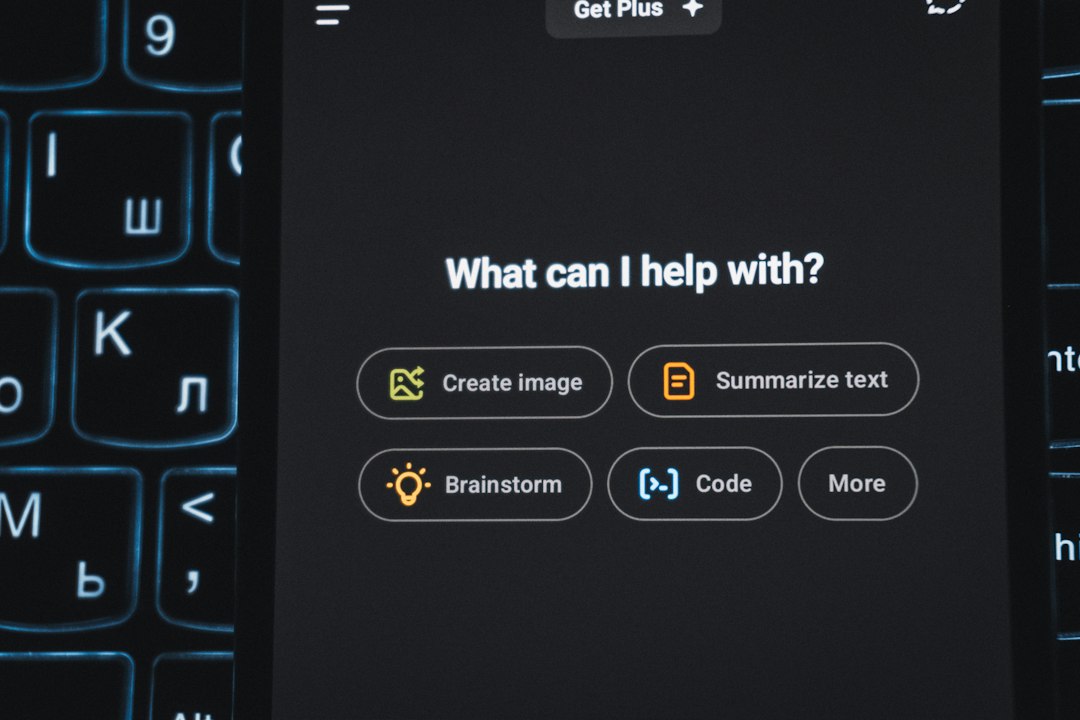
AI can draft a response using the customer’s message and approved company information. A support agent can review the draft before it is sent, which helps maintain accuracy and brand voice.
4. FAQ Response Routing
Frequently asked questions can be matched with approved knowledge-base content. Instead of generating an answer from scratch, the workflow can direct customers to the relevant documentation or prepare a response based on verified information.
5. Urgent Issue Detection

AI can flag messages containing signals such as service outages, payment problems, repeated complaints, or urgent operational issues. The automation can notify a human team member rather than leaving the issue in a general queue.
6. Customer Feedback Analysis
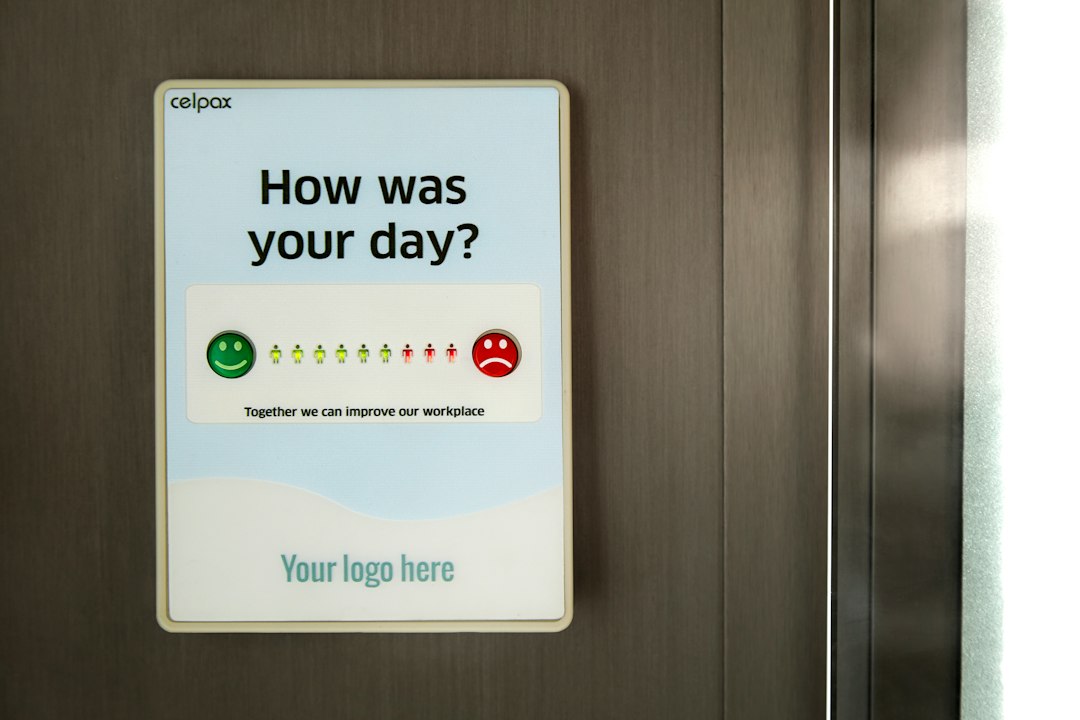
Reviews, survey responses, and support conversations can be grouped by recurring themes. Teams can use these summaries to identify common product problems or areas where customers need clearer information.
7. Automatic Follow-Up Reminders

When a ticket requires additional information or a future check-in, automation can create a reminder for the responsible employee. This reduces the chance that an open customer issue is forgotten.
8. Knowledge Base Suggestions

When support agents receive a question, AI can identify relevant internal documentation and suggest it to the agent. Over time, frequently requested information can reveal where the knowledge base needs improvement.
9. Customer Intent Detection
AI can identify whether a conversation is about purchasing, troubleshooting, cancellation, account access, or another intent. That information can trigger the appropriate workflow without requiring the customer to navigate multiple menus.
10. Daily Support Reports

A reporting workflow can summarize ticket volume, recurring topics, unresolved issues, response times, and escalation patterns. Managers can use the report to identify operational bottlenecks and decide where process improvements are needed.
How to Build a Customer Support AI Workflow
- Choose one repetitive support task with a clear outcome.
- Connect the source system, such as email, chat, forms, or a help desk.
- Define exactly what the AI should classify, summarize, extract, or draft.
- Use fixed rules for predictable decisions and AI for tasks requiring interpretation.
- Add human approval before high-impact responses or account changes.
- Log failures and create an exception path for uncertain cases.
- Measure response time, resolution time, workload, and customer outcomes.
Tools You Can Use
Workflow platforms such as Make, Zapier, and n8n can connect support systems with AI services and other business applications. The best choice depends on the applications you already use, workflow complexity, technical requirements, and budget.
What Should Stay With a Human?
Human review is especially useful for refunds, account-security issues, legal complaints, sensitive personal information, unusual customer situations, and messages where an incorrect answer could create significant harm or cost. AI should support the process rather than bypass necessary controls.
Related AI Automation Guides
For a broader overview, read our AI automation guide. You can also explore AI automation for small business and our AI workflow automation examples.
Frequently Asked Questions
Can AI automate customer support?
Yes. AI can automate classification, summaries, drafting, routing, feedback analysis, and other repetitive support tasks while humans handle exceptions and high-impact decisions.
Is AI customer support suitable for small businesses?
Yes. Small businesses can start with one workflow, such as ticket classification, FAQ routing, or follow-up reminders, and expand after measuring the results.
Should AI replies be sent automatically?
It depends on the risk of the interaction and the quality of the knowledge source. Many businesses should use human review for sensitive or unusual requests.
Final Takeaway
AI automation can make customer support faster and more organized when it is applied to specific repetitive tasks. Start with a measurable workflow, use reliable business information, keep appropriate human review, and improve the process based on real support data.