Customer support is one of the easiest business functions to improve with carefully designed AI automation. The goal is not to remove human support, but to reduce repetitive work so teams can spend more time on conversations that require judgment.
What Is AI Customer Support Automation?
AI customer support automation uses software to classify incoming requests, find relevant information, summarize conversations, draft responses, route tickets, and trigger follow-up tasks. Human agents can remain responsible for sensitive or complex cases.
1. Automate Ticket Classification
An AI workflow can read a new support request and classify it by topic, urgency, product, or customer type. The result can then be used to route the request to the appropriate queue.
2. Create Instant Conversation Summaries
Long customer conversations can consume valuable agent time. An AI step can summarize the issue, previous actions, and outstanding questions before the agent opens the ticket.
3. Suggest Replies for Agents
Instead of automatically sending every AI-generated answer, businesses can use AI to draft a suggested response. The agent reviews the draft, checks important details, and sends it when appropriate.
4. Route Urgent Issues
Support workflows can use rules and AI classification to identify messages that require faster attention. Examples include service outages, payment problems, security concerns, or high-priority customers.
5. Automate Follow-Up Tasks
After a ticket is resolved, automation can create follow-up reminders, request feedback, update the CRM, or notify another team when a related task remains open.
6. Build a Knowledge Base Workflow
Repeated questions can reveal gaps in documentation. Analyze common support requests and use the findings to identify articles, FAQs, or internal documentation that should be created or improved.
7. Add Human Review
Human review is especially important for refunds, account changes, legal matters, security incidents, and other situations where an incorrect automated action could have significant consequences.
8. Measure the Workflow
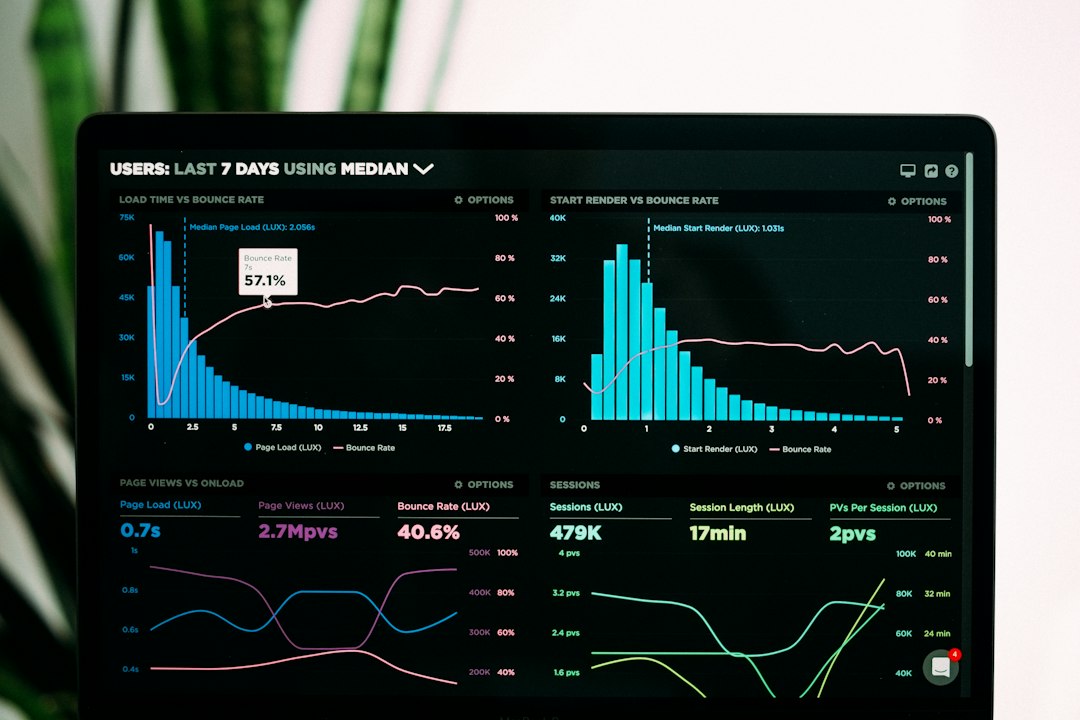
Track response time, resolution time, ticket volume, escalation rate, customer satisfaction, and manual handling time. These metrics help determine whether automation is actually improving the support process.
Example AI Support Workflow
A simple workflow can look like this: customer message → AI classification → priority check → knowledge retrieval → suggested response → human approval → reply → CRM update → follow-up reminder.
Final Takeaway
AI customer support automation works best when repetitive steps are automated while people retain control over important decisions. Start with one measurable workflow, test it carefully, and expand only after the results are reliable.